Retopology Exercise
My goal here was to have a better understanding about animated character meshes, edge flow and retopology tools so I went through a few tutorials on the subject. By the end of the project I got to know some tools and possible workflows about recreating low poly meshes using mainly the Quad Draw tool and Shrinkwrap in Maya. Also transferring/baking various maps between different UV-s.
(The high poly models are not my works, I used them to create the new low poly meshes)

Fun thumbnail view made in Photoshop

Retopoed mesh on left

Diffuse and normal map transferred over to the new low poly mesh (on left)

New low poly mesh

WIP GIF

Laid out UV

High poly on left, new low poly on the right

New low poly
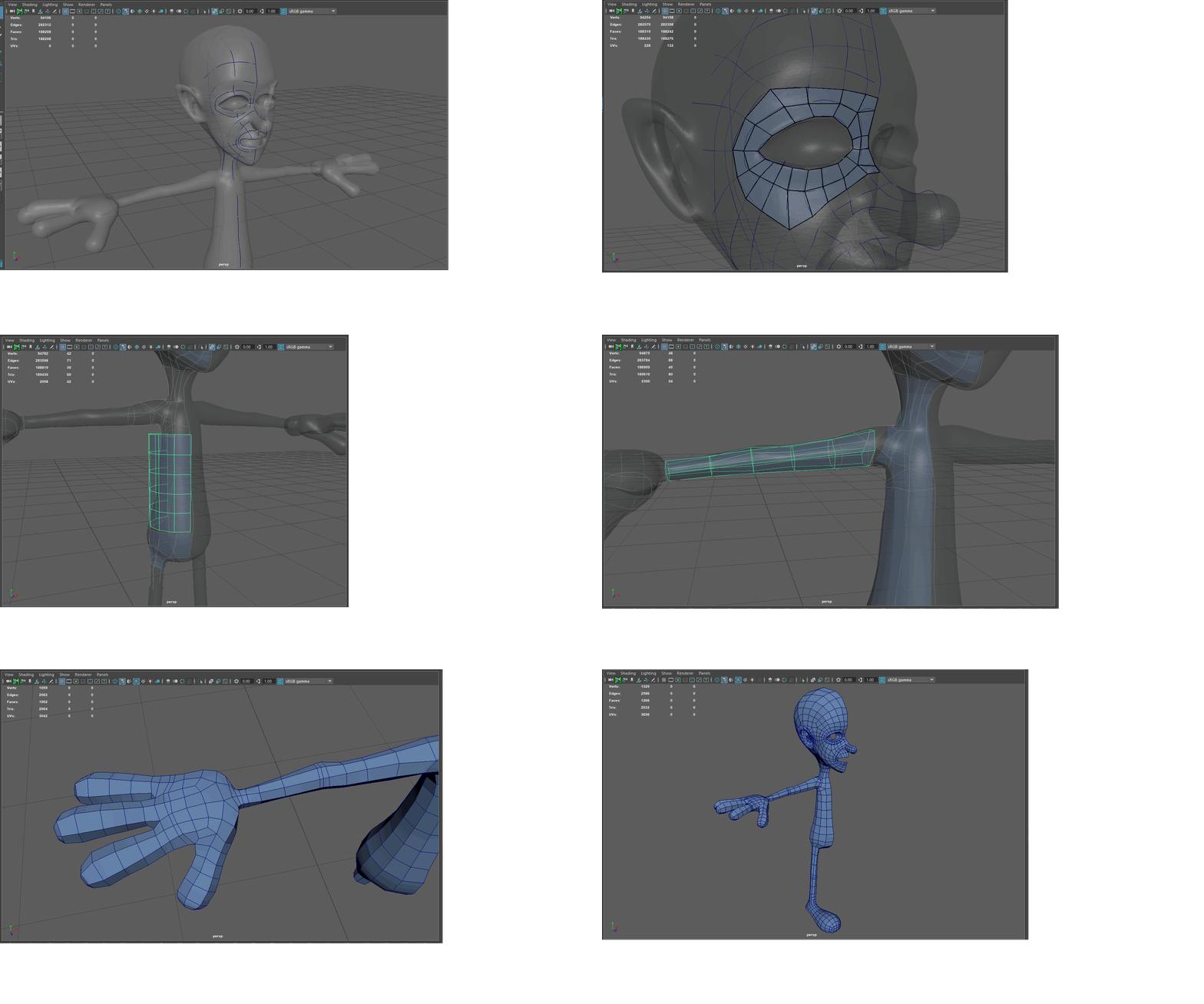
WIP GIF

Yeyy, no lurking triangles baby!

Tried out the automated retopology tool in Mudbox, created some Soft and Hard Constraint Curves and Loops for better end result, used same target face count so I can compare the results with my hand retopology one

Has some flaws but seems like a good starting point for fine tuning in Maya

High poly version